What is Two-Factor Authentication (2FA)?
Two-Factor Authentication provides your account with an extra layer of protection during:
• Account login
• Withdrawing funds
How Does 2FA Work?
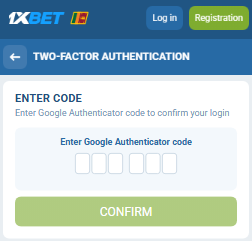
2FA links your gaming account to the Google Authenticator app. When 2FA is enabled, the Google Authenticator app generates a temporary verification code. You must enter this code into the required field on the website or app to log in or process a withdrawal.
Important Security Notice: What You Should Know Before Disabling 2FA
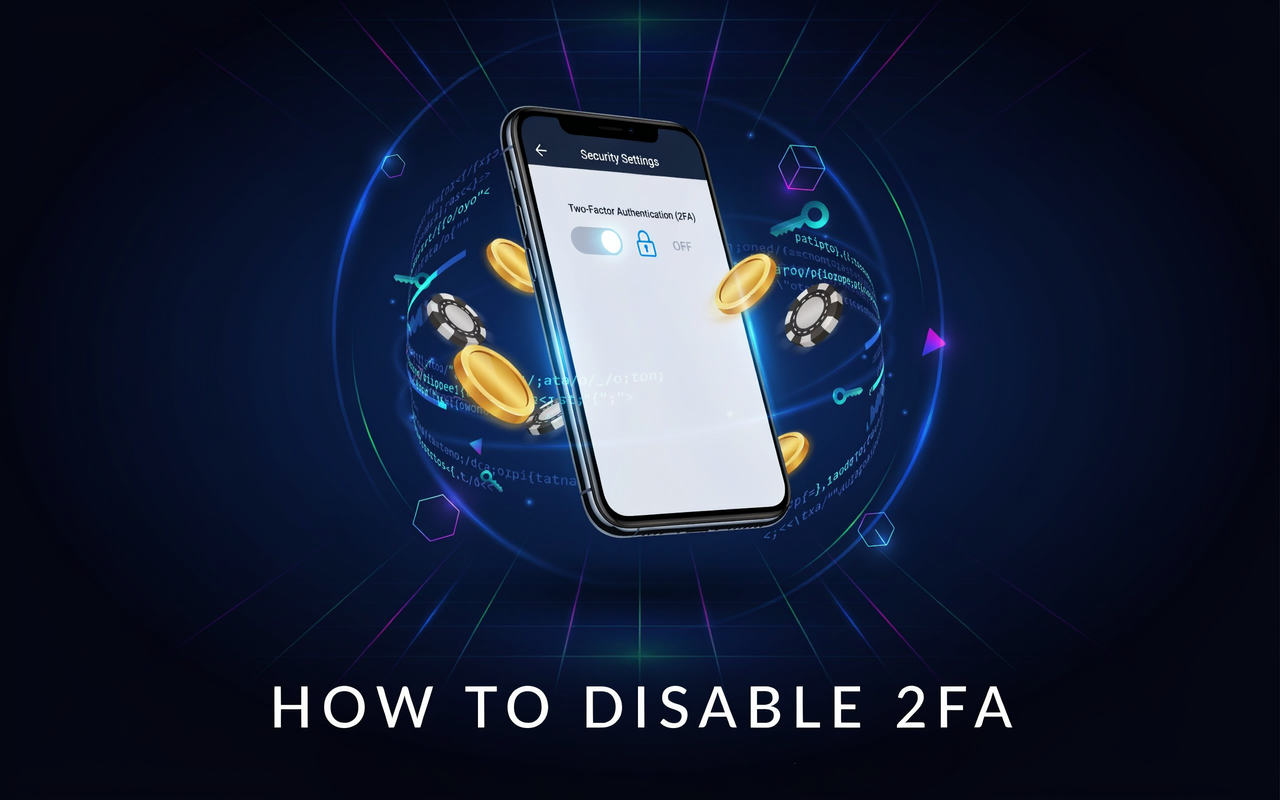
Two-Factor Authentication (2FA) is your primary defense against unauthorized account access. Disabling 2FA is not a quick toggle feature; it is a critical security procedure that temporarily removes essential account protection. To maintain strict account safety, you must contact support directly. This process requires thorough identity verification to prevent unauthorized access.
Step 1. Submit your request to support
✅ Send an email from the email address linked to your account.
✅ Subject: ‘Request to disable 2FA’.
✅ Body: Briefly explain the reason (e.g., lost phone, deleted app).
✅ Send to: our official support address info-sl@1xbet-team.com
Step 2. The Verification Process
⚠️ IDENTITY VERIFICATION PROCESS: For your security, you must prove that you are the account owner. Support usually requests:
–Identity Document (Clear photo of Passport/ID/Driver’s license).
–Selfie with your document (Holding the ID next to your face).
–Ownership Verification (Additional account details).
Note: Support may also request additional details or information if needed to confirm account ownership.
This process takes time and requires manual review. DO NOT proceed unless absolutely necessary. Always save your backup Secret Key when enabling 2FA.
Step 3. Wait for our response
⏳ Step 1: Our security team will review your submitted details.
📧 Step 2: Follow any further instructions provided via email.
✅ Step 3: Wait for final confirmation that 2FA has been disabled.